
It only says what you’ve told it
Every Replyzoo agent belongs to a brand and answers only from that brand’s profile and knowledge — your products, prices, delivery, policies and FAQs. If a reply mentions a price, number or link that isn’t in your information, it isn’t posted.
Why most AI replies can’t be trusted with customers
“A chatbot told my customer delivery was free. It isn’t.”
“The AI made up a discount code, and now three people want it.”
“I can’t have it guessing prices — they change every week.”
“When it doesn’t know something, it should say so, not invent it.”
Your brand
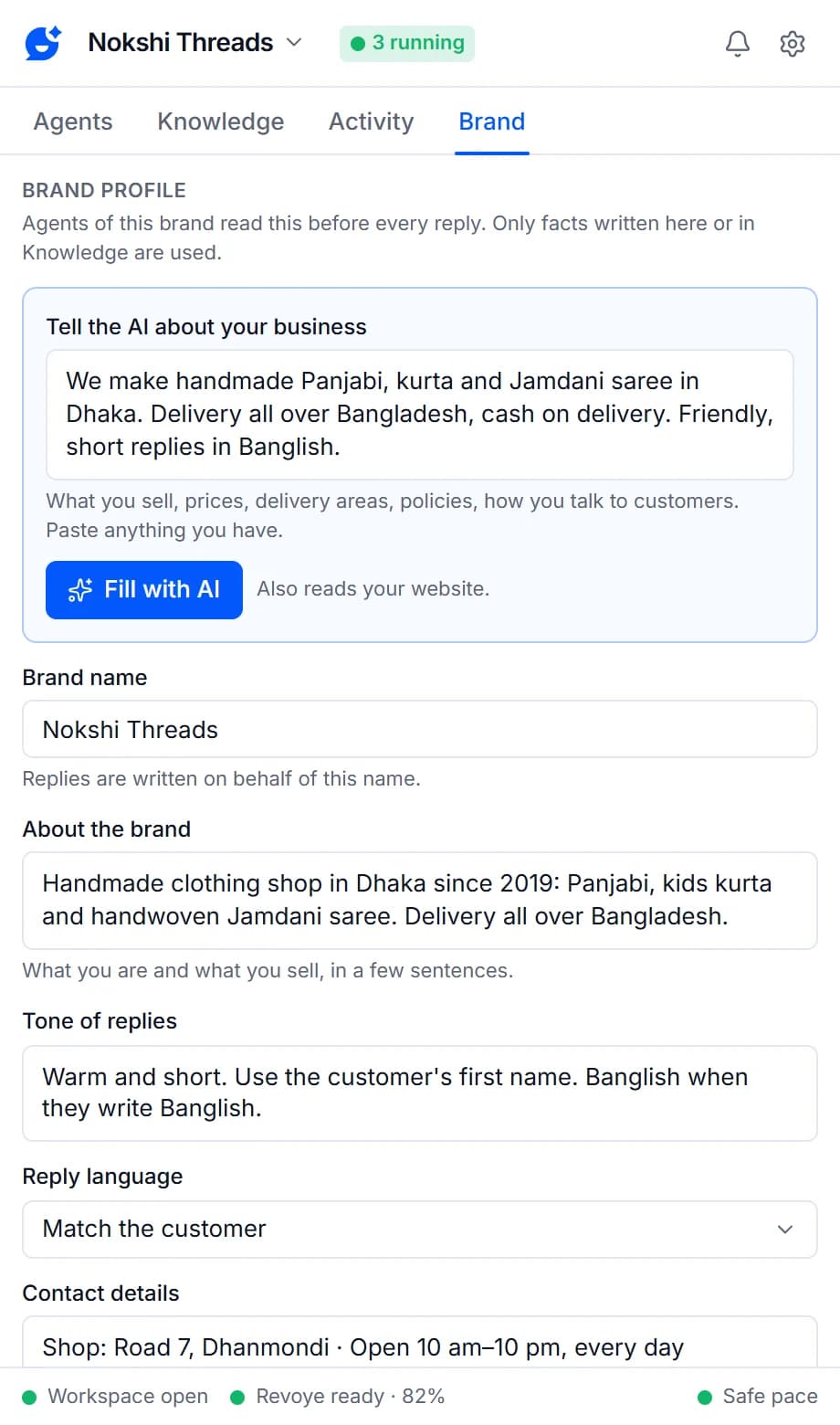
Describe your business once. The AI fills it in.
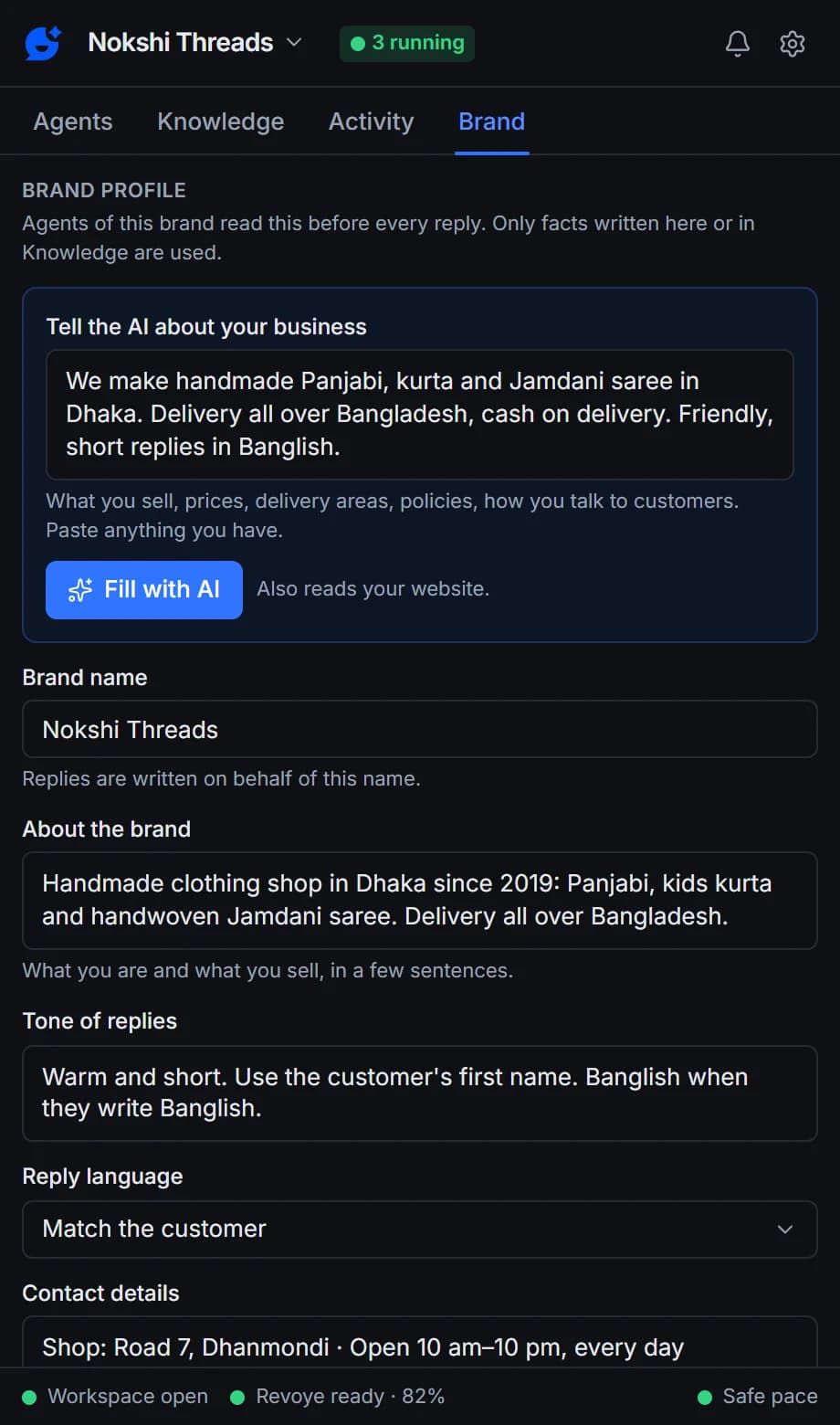
Each business gets its own brand: a name, what you sell, the tone and rules for replies, the reply language, contact details and the holding message to send when an answer isn’t known. Describe your business in your own words, add your website, and press Fill with AI — your AI drafts the profile and starter knowledge from what you gave it, and nothing is saved until you check it.
- Replyzoo reads your home page and up to five product, price, policy or contact pages, in your browser
- The AI is told to use only those facts and leave unknown fields empty
- Several businesses? Each brand has its own knowledge and agents, so they never mix
Knowledge
Everything customers ask about, in one place
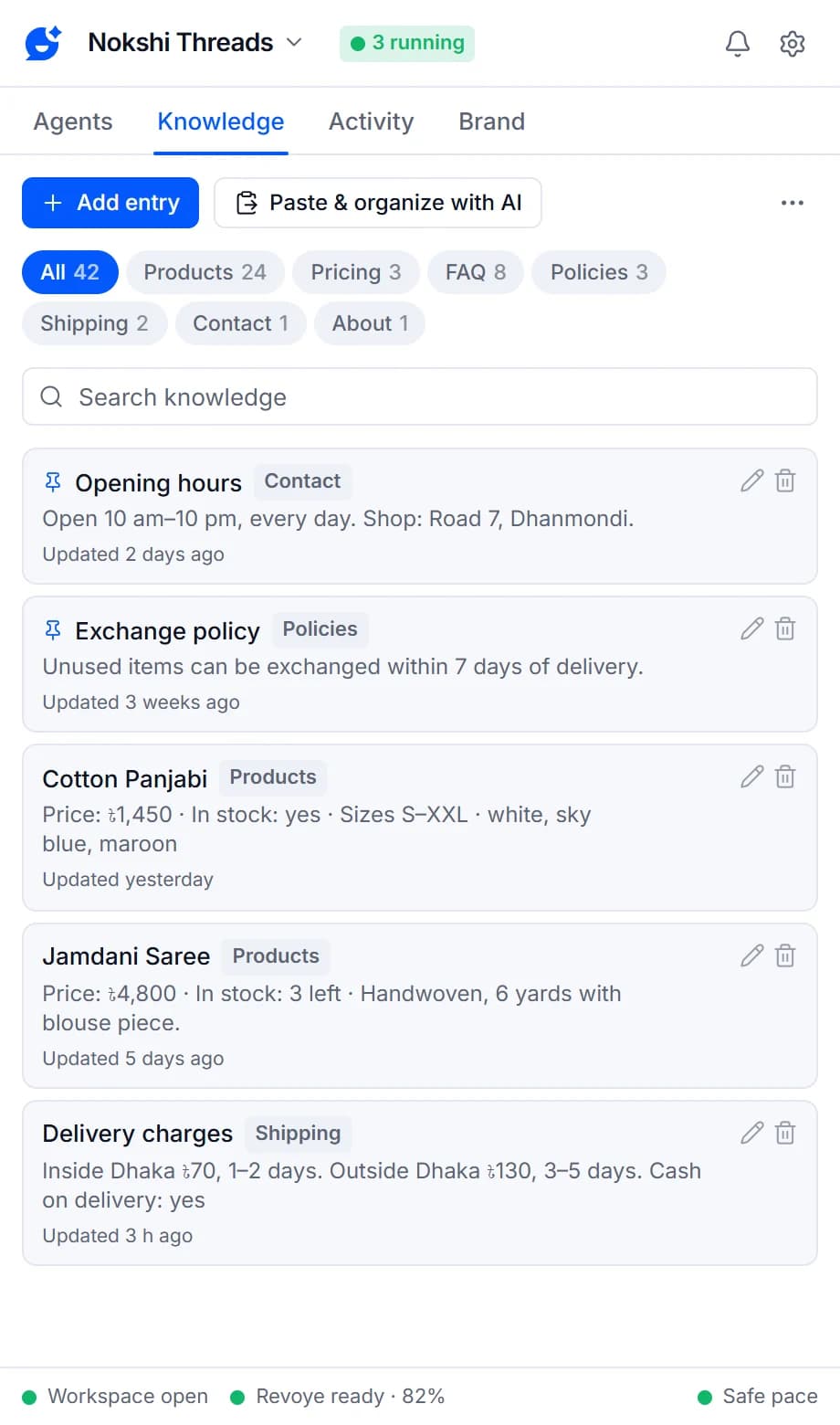
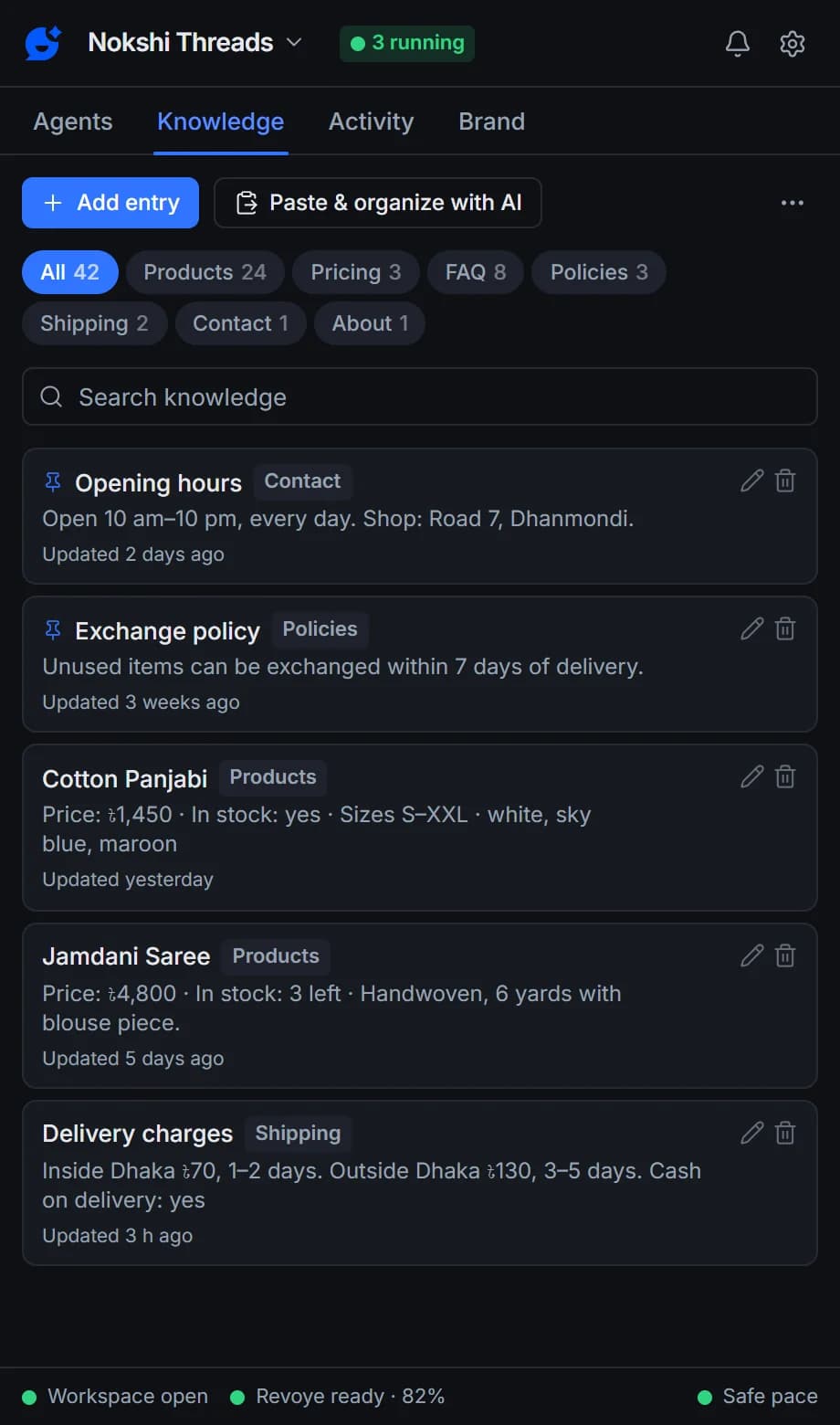
Entries sit in categories — Products, Pricing, FAQ, Policies, Shipping, Contact, About and Other — with search and the date each was last updated, so stale prices stand out. Add an entry from a template for its category, or paste a price list or FAQ and let the AI split it into one entry per product or question.
- Paste & organize with AI, then check and save
- Improve: tidy up, fill the template or translate an entry, adding no facts
- “Use in every answer” for key facts like opening hours or the return policy
- Import a product list or FAQ from CSV or JSON
Test answers
See the answer before any customer does
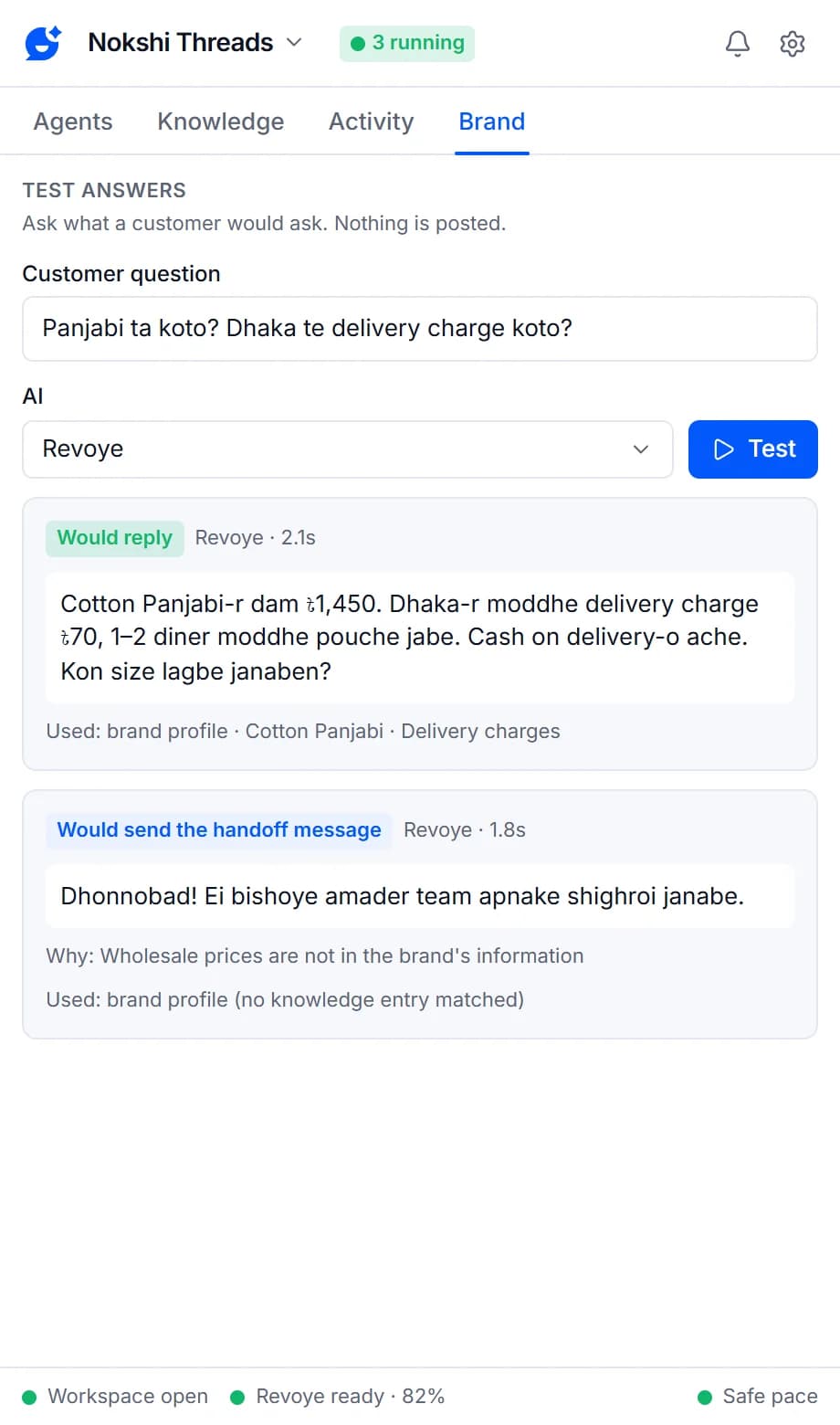
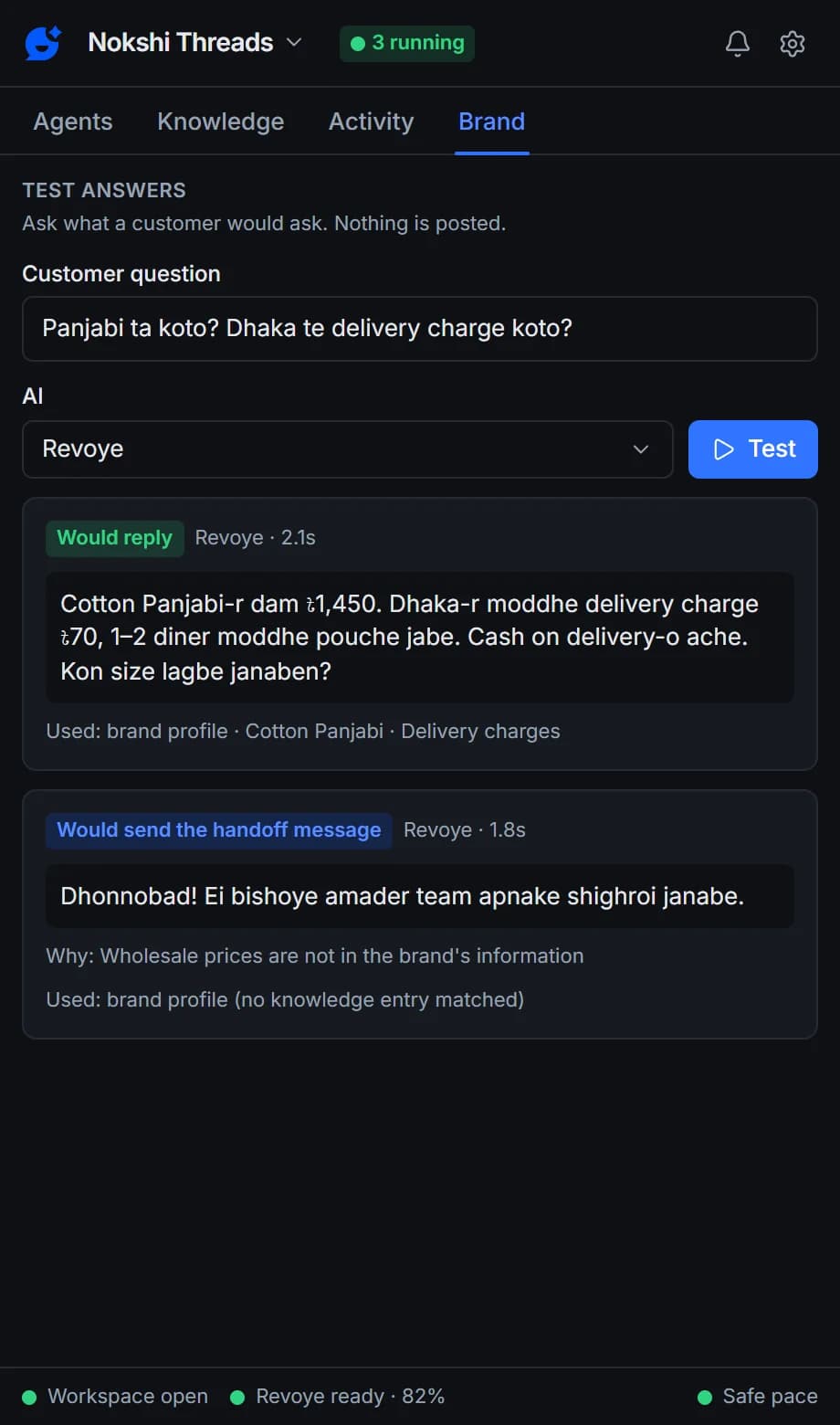
On the Brand tab, ask what a customer would ask and press Test. Replyzoo answers from that brand’s profile and knowledge exactly as its agents would, and shows whether it would reply, ask for review, send the holding message or skip — with the reason and the entries it used. Nothing is posted.
- Would reply · Needs review · Would send the handoff message · Missing info · Would skip
- Shows the reason, any failed checks and the entries used
- Test the brand’s tone and rules before an agent goes live
Grounding check
No invented prices, numbers or links
Before anything is posted, Replyzoo checks the reply against the brand profile, the entries used and the conversation. A number of two digits or more, or a link, that doesn’t appear there blocks the reply. So do replies that talk about being an AI, repeat a recent reply, or are too long.
- Blocked replies follow the agent’s fallback, never Facebook
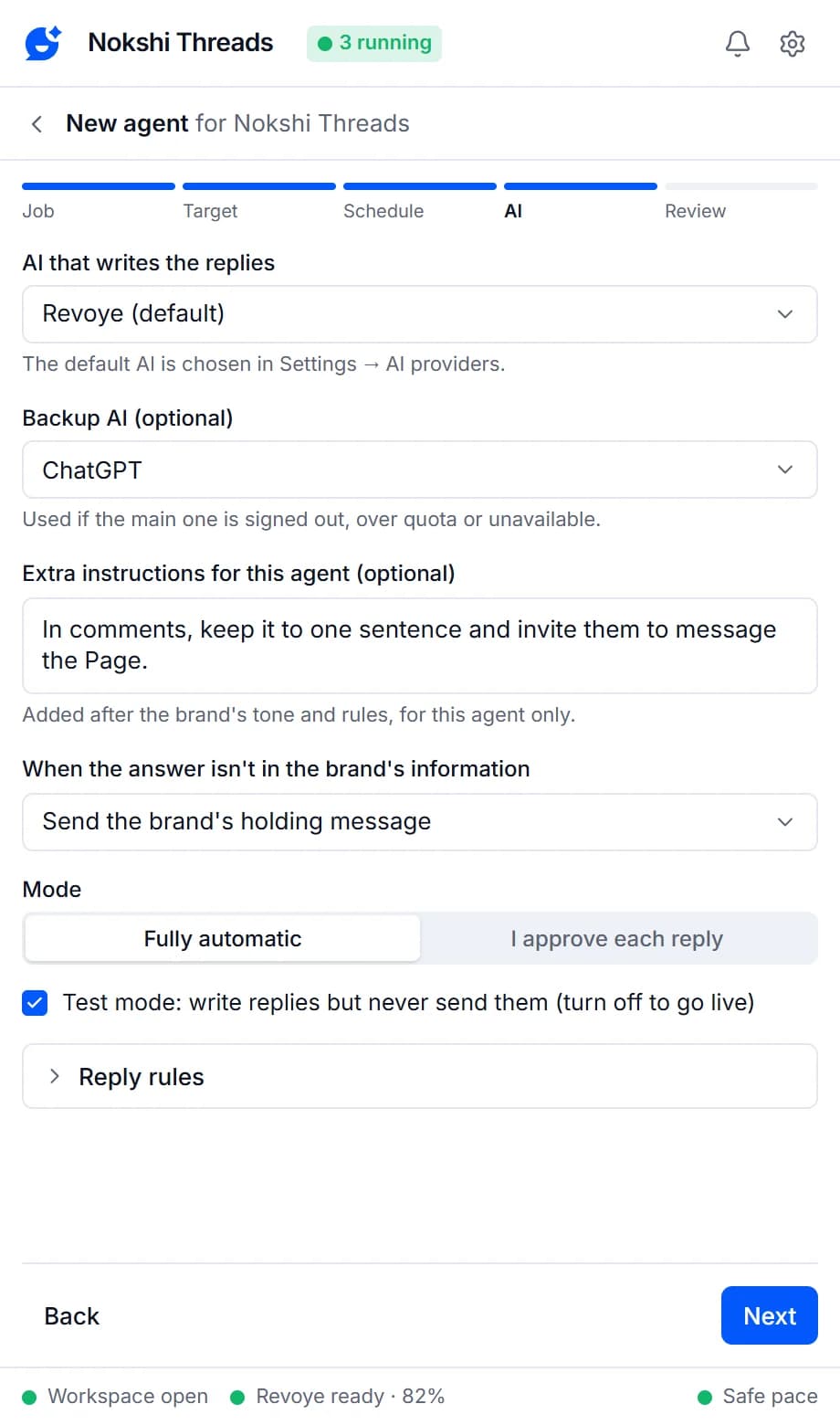
- Fallback: the brand’s holding message, ask me to review, or don’t reply
- Links stay off unless you allow links from the brand’s information
Data connectors
Live data from your own systems
Connectors belong to a brand, and only that brand’s agents use them. Connectors you already have keep working; adding and editing them comes back as Live data in the Knowledge tab in an upcoming update. Browser extensions can’t receive incoming webhooks, so Replyzoo brings data in by asking for it — and tells your systems what happened.
Live lookups
Call your own HTTPS endpoint while the agent writes — for stock, order status or opening times — with the customer’s message as the query. Optional trigger words decide when it runs.
Catalog sync
Pull a JSON or CSV catalog into the brand’s knowledge every few hours (6 by default), replacing the previous sync’s entries.
Webhook out
Send a signed POST to your system when a reply is sent, escalated or fails, with an HMAC-SHA256 signature you can verify.
Everything that keeps answers honest
A brand for each business
Each business gets its own profile, knowledge and agents, and an agent answers only from its own brand, so businesses never mix.
Fill with AI
Describe your business or give your website, and your AI drafts the brand profile and starter knowledge for you to check.
Brand knowledge
Each brand's products, prices, FAQs, policies, delivery and contacts, in categories with search.
Paste & organize with AI
Paste a price list or FAQ and the AI splits it into one entry per product or question; Improve tidies up or translates an entry.
Use in every answer
Pin key facts like opening hours or the return policy so they are part of every answer.
CSV and JSON import
Bring your product list or FAQ in from a spreadsheet.
Test answers
Ask what a customer would ask and see exactly what the brand's agents would do, without posting anything.
No invented prices or links
A reply that mentions a price, number or link that isn't in your information is never posted automatically.
When the answer isn't there
Send the brand's holding message, ask you to review, or don't reply. You choose per agent.
Reply filters
Reply to every message or questions only, and skip anything containing words you list.
Live lookups
Fetch live data, such as stock or order status, from your own system while the agent writes. Existing connectors keep working; adding new ones returns in an upcoming update.
Catalog sync
Pull a JSON or CSV catalog into the brand's knowledge every few hours. Existing connectors keep working; adding new ones returns in an upcoming update.
Brands, knowledge, Fill with AI, Test answers and the grounding check are on every plan, with no limit on brands; the Free plan holds a starter number of knowledge entries, counted across all brands. Pro raises the entry limit and includes data connectors.
Compare plansFrequently asked questions
Something else? See the docs or get support.
How does Replyzoo find the right entry?
It searches the brand’s knowledge for the words in the customer’s message, on your computer, and adds the brand profile and the entries marked “Use in every answer”. Other brands’ information is never searched, and there is no cloud index of your knowledge.
Do I have to type everything in?
No. Describe your business or give your website and press Fill with AI, or paste a product list, price list or FAQ into Paste & organize with AI. The AI drafts entries from only what you gave it; you check, edit and save them.
Can I import my product list?
Yes. Import entries from a CSV or JSON file with title and content columns (category and tags optional) under More in the Knowledge tab.
Can I run several businesses?
Yes. Create a brand for each one from the brand name at the top of the side panel. Each brand has its own profile, knowledge and agents, and an agent answers only from its own brand. There is no limit on brands.
What happens when the answer isn't in my info?
The agent doesn't guess. You choose what it does for each agent: send a short holding message ("Thanks for your message! Our team will get back to you shortly."), ask you to review the reply first, or not reply at all. A reply that mentions a price, number or link that isn't in your information is never posted automatically.
Can my agent share links?
Only if you allow it, and then only links that appear in the brand’s information. Any other link in a reply blocks it.
Why no incoming webhooks?
A browser extension can’t receive requests from the internet. Live lookups and catalog sync fetch what the agent needs instead, and webhook out sends events to your system.
Give your agents the facts, not a guess
Describe your business once. Every agent of that brand answers from it.
Chrome on a desktop computer. Agents reply while Chrome is open.