
The Facebook auto reply Chrome extension
Replyzoo lives in Chrome’s side panel. Its agents work in their own workspace window, through the same Facebook pages you use — which is how they reach Groups and your personal profile, and why your conversations never pass through our servers.
Works through Facebook's normal web pages in your Chrome. Automation can lead Facebook to limit accounts; Replyzoo's safety limits reduce that risk but can't remove it. How Replyzoo stays careful
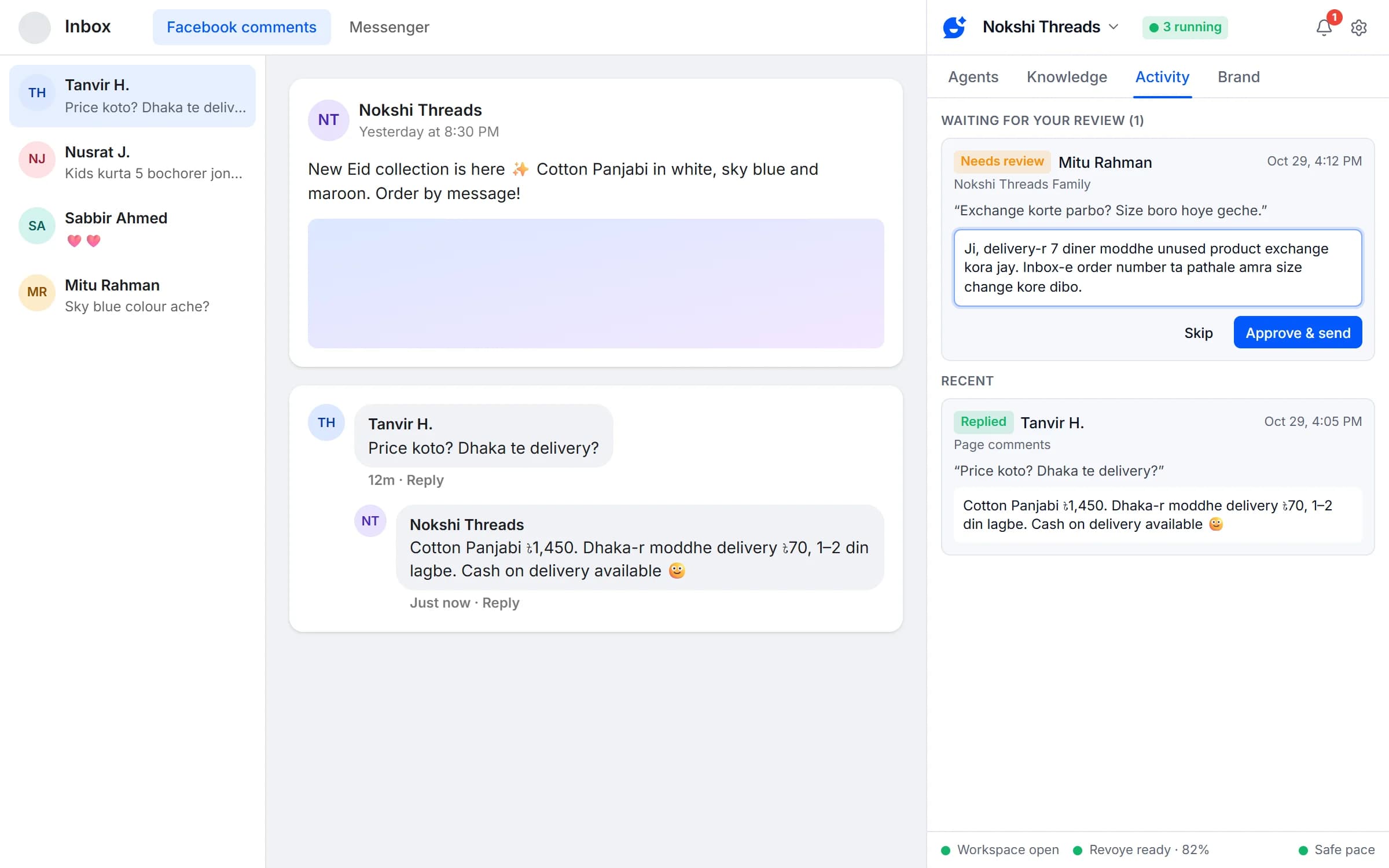
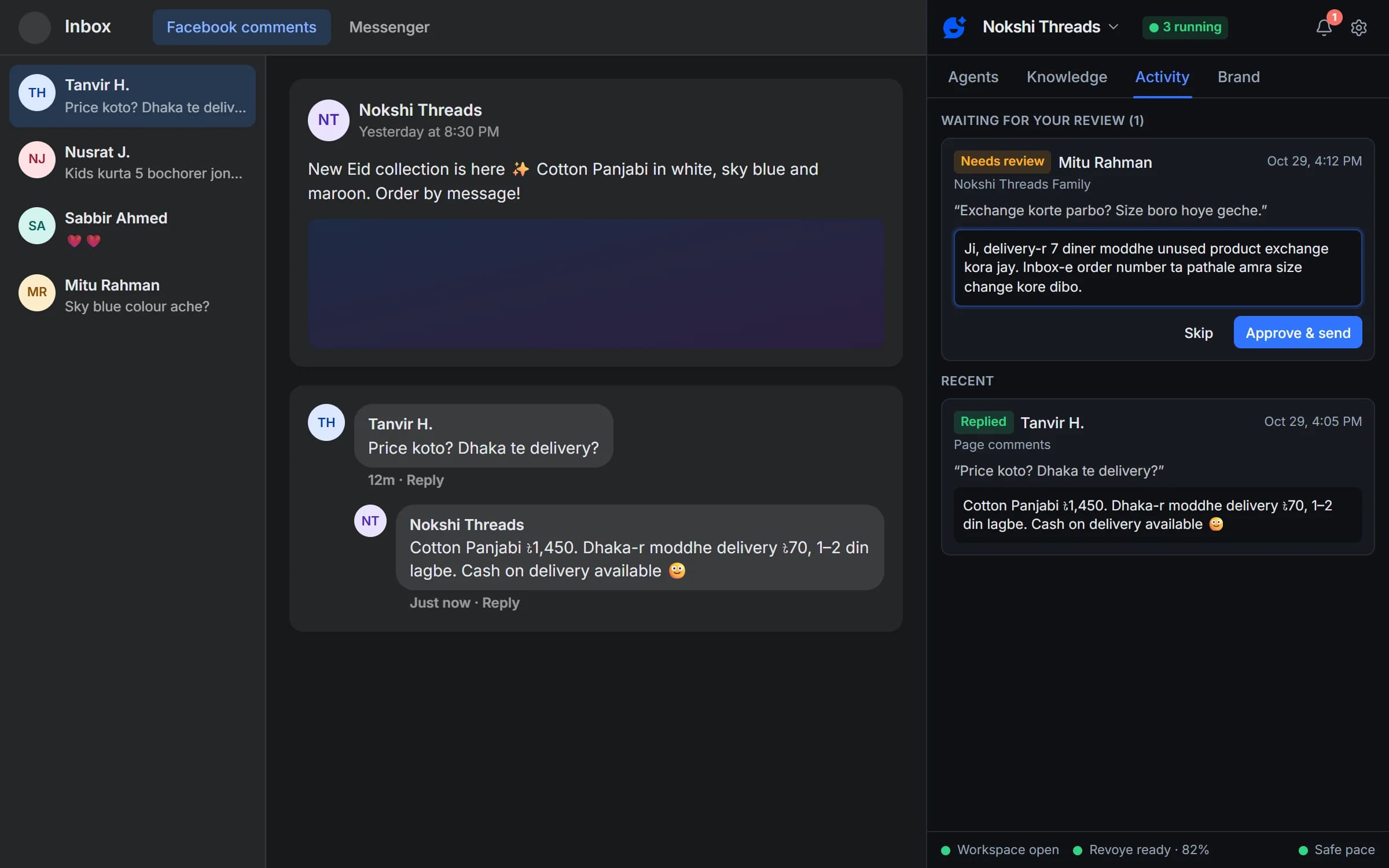
Browser vs API
Why a browser extension
Most auto-reply tools connect through Meta’s API, which covers Pages and Instagram. Replyzoo works through the normal Facebook page instead.
In your browser (Replyzoo)
- Page inbox and Page comments
- Group comments, linked or not
- Personal profile comments and Messenger
- Your conversations stay on your computer
Through Meta’s API
- Page Messenger and comments, Instagram
- Runs on the vendor’s servers, around the clock
- No Groups since April 2024
- No personal profiles
Surfaces
Where each approach can reply
Page inbox (Messenger)
- Replyzoo
- Yes
- API-based tools
- Yes
Page post comments
- Replyzoo
- Yes
- API-based tools
- Yes
Group comments
- Replyzoo
- Yes
- API-based tools
- No
Personal profile comments
- Replyzoo
- Yes
- API-based tools
- No
Personal Messenger
- Replyzoo
- Yes
- API-based tools
- No
Replies while your computer is off
- Replyzoo
- No
- API-based tools
- Yes
Instagram, WhatsApp
- Replyzoo
- No
- API-based tools
- Yes
API-based tools differ in what they support; this shows what Meta’s API allows.
Sources: Graph API v19 changelog (Groups API deprecation) · Make: Facebook Groups app discontinued · Last checked 29 Oct 2026
How it runs
From install to first reply
- 1
Create your account
Sign up on replyzoo.cc, verify your email and start on the Free plan.
- 2
Install and sign in
Download the extension from your dashboard and load it in Chrome, open the side panel (Alt+Shift+R), click Sign in and Allow on the website.
- 3
Connect an AI
In Settings → AI providers: an API key (Revoye, the Claude API or OpenAI-compatible), or your ChatGPT, Claude, Gemini, Qwen or DeepSeek login.
- 4
Create your brand
Describe your business, add your website and press Fill with AI — then check the profile and the products, prices and policies it found.
- 5
Create an agent
Pick a job and target, then read its test-mode replies in Activity.
- 6
Go live
Turn test mode off. Keep Chrome open and the agent replies at a human pace.
Requirements
What you need
Chrome 120 or newer
On a Windows, Mac or Linux desktop computer.
Chrome open, computer awake
Agents reply while Chrome is running. Nothing runs on our servers for you.
Facebook in English
Set Facebook’s language to English so the agent can find its way around the page.
Signed in to Facebook
In the same Chrome profile; for Pages, with access to Meta Business Suite.
One AI provider
A signed-in AI account, an API key, or Revoye.
A Replyzoo account
Free to create; each connected browser gets its own revocable access.
Private by design
Your conversations stay on your computer
Facebook messages, comments, names and your AI keys never leave your browser. Your Replyzoo account knows your email, your plan and how many replies you sent.
- Message text kept 7 days by default
- Cloud backup of settings only if you turn it on
- Keeps working offline for up to 72 hours
Inside the extension
Side panel
Replyzoo lives in Chrome's side panel; Alt+Shift+R opens it.
Its own workspace window
Agents work in a separate window and never touch your own tabs.
Sign in once
Click Sign in, then Allow on replyzoo.cc. Each browser gets its own revocable access.
Keeps working offline
Agents keep running for up to 72 hours if replyzoo.cc can't be reached.
Pause all
One button, or Alt+Shift+P, stops every agent at once.
Use current tab
Open the Page, Group or profile and the wizard fills in the target for you.
The extension is the same on every plan. The Free plan covers one browser and your Page inbox and comments; Pro adds a second browser, Groups and your profile.
Compare plansFrequently asked questions
Something else? See the docs or get support.
How do I get started?
Create a free account on replyzoo.cc and verify your email. Then install the Replyzoo extension in Chrome, open its side panel, click Sign in and approve the browser on the website. Connect an AI, create your brand (describe your business and let Fill with AI draft its profile and knowledge), create your first agent, and read its test-mode replies before you go live.
Does my computer need to stay on?
Yes. Replyzoo runs inside Chrome on your computer, so agents reply while Chrome is open, the computer is awake and you are signed in to Facebook. Nothing runs on our servers on your behalf.
Does it work in Edge, Brave or Firefox?
Replyzoo is built and tested for Google Chrome (version 120 or newer) on desktop. Other browsers aren’t supported at the moment.
Will it use my Facebook tabs?
No. Agents work in Replyzoo’s own workspace window and never touch the tabs you’re using.
What are the keyboard shortcuts?
Alt+Shift+R opens Replyzoo. Alt+Shift+P pauses every agent at once.
Can Facebook restrict my account for using Replyzoo?
It can happen. Replyzoo works through Facebook's normal web pages in your own Chrome, and Facebook's terms restrict automated activity, so any automation carries some risk. Replyzoo is built to keep that risk low: one action at a time, a random 45–120 second gap between replies, hourly and daily limits, working hours, and an automatic pause on every agent the moment Facebook shows a checkpoint or warning. It reduces the risk; it can't remove it. You use it at your own risk.
Add AI replies to the browser you already use
Create your free account and connect Chrome in a minute.
Chrome on a desktop computer. Agents reply while Chrome is open.