
Your DMs answered in your voice
If clients find you through your profile, Replyzoo answers their questions about fees, packages and booking in Messenger and under your posts — and, if you like, every reply waits for your approval.
Works through Facebook's normal web pages in your Chrome. Automation can lead Facebook to limit accounts; Replyzoo's safety limits reduce that risk but can't remove it. How Replyzoo stays careful
Sound familiar?
“My reels bring in DMs faster than I can answer them.”
“Fee questions at midnight go cold by morning.”
“Page tools don’t work on my personal profile.”
“I don’t want anything going out in my name that I haven’t seen.”
A day with Replyzoo
How Coach Rifat, a fitness coach, runs it
- 1
Brand
Tone: friendly, short, uses the person’s first name, invites them to a free intro call.
- 2
Knowledge
Packages, fees, session times and what’s included.
- 3
Review mode
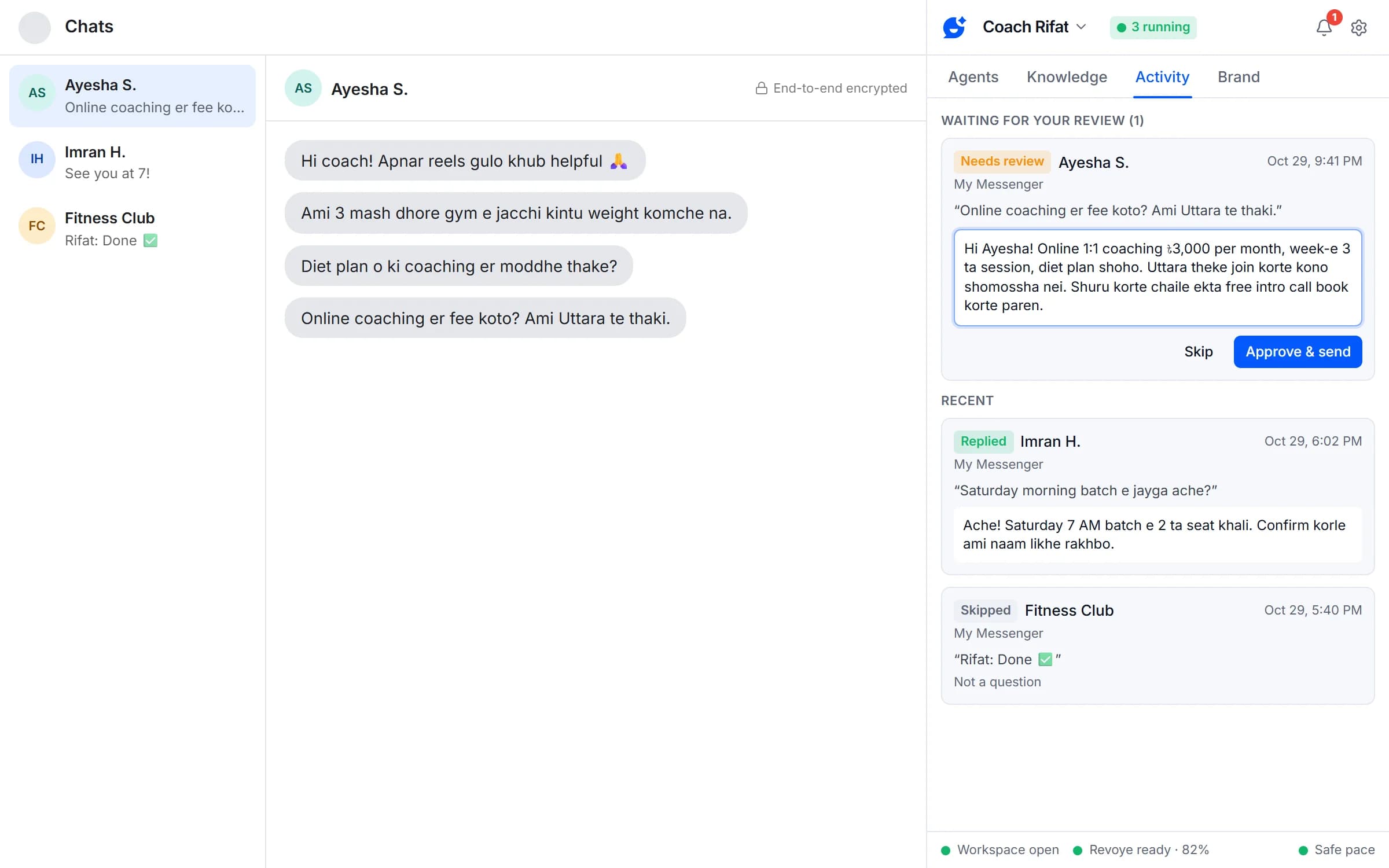
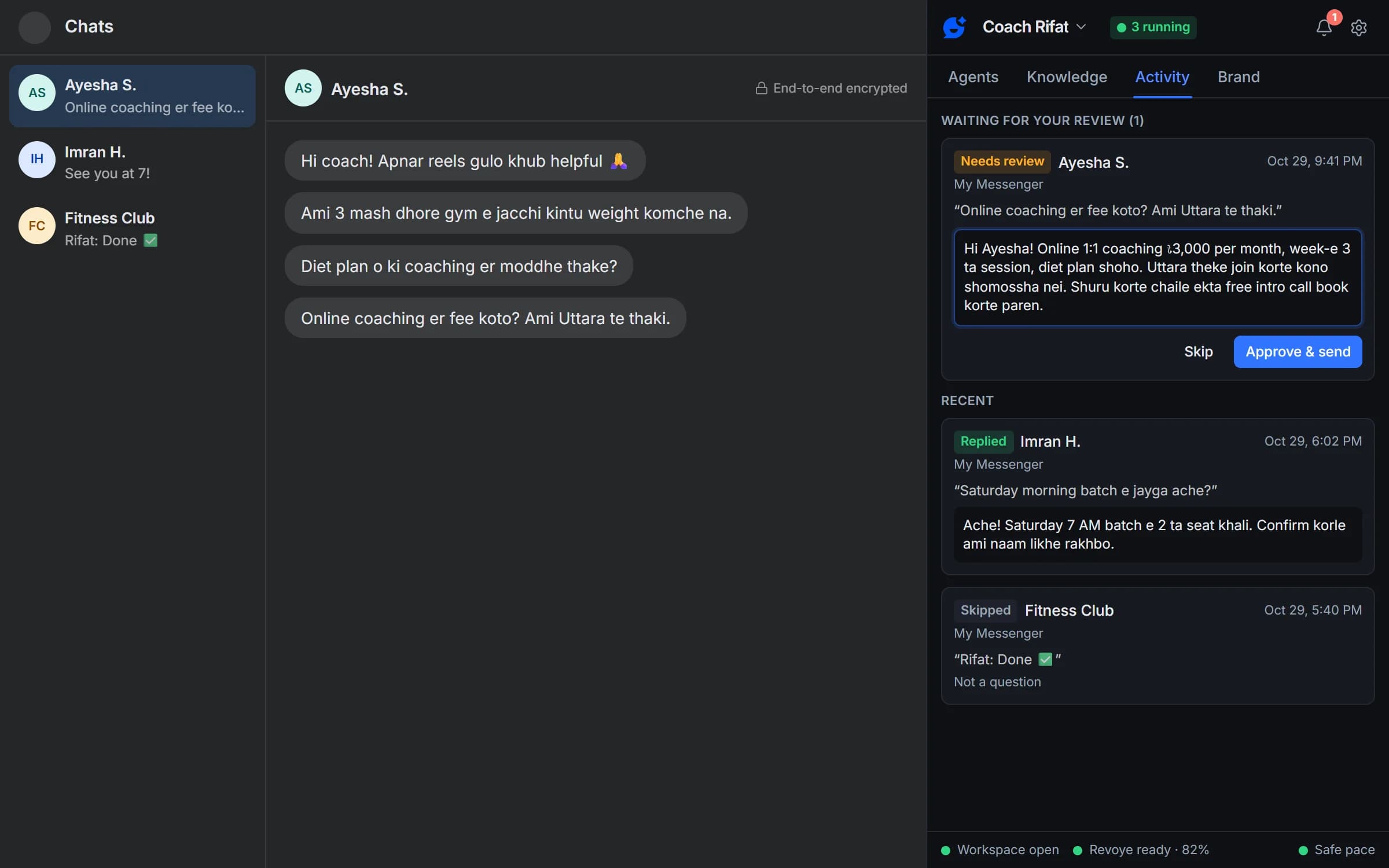
Every Messenger reply waits; approving takes one click.
- 4
Comments
A second agent answers questions under posts, questions only.
- 5
Working hours
Agents rest overnight, so replies arrive at sensible times.
- 6
Test answers
New package? Test the answer on the Brand tab before any client asks.
What matters most for creators
Personal Messenger
Replies to chats on facebook.com/messages, including end-to-end-encrypted chats.
Profile comments
Replies to comments on your personal-profile posts.
Brand tone and rules
Set each brand's tone and reply rules once, in your own words, and add extra instructions per agent.
Review mode
Choose "I approve each reply": edit the draft, then Approve & send or Skip.
Test answers
Ask what a customer would ask and see exactly what the brand's agents would do, without posting anything.
Working hours
Only reply during the hours and days you set, overnight ranges included.
Profile comments and personal Messenger come with Pro. The Free plan covers a Page inbox and Page comments.
Compare plansFrequently asked questions
Something else? See the docs or get support.
Can I check replies before they go out?
Yes. Every new agent starts in test mode: it writes replies but never posts them, so you can read them in Activity first. You can also set any agent to "I approve each reply", and every draft waits for you to edit it, then Approve & send or Skip.
Can Facebook restrict my account for using Replyzoo?
It can happen. Replyzoo works through Facebook's normal web pages in your own Chrome, and Facebook's terms restrict automated activity, so any automation carries some risk. Replyzoo is built to keep that risk low: one action at a time, a random 45–120 second gap between replies, hourly and daily limits, working hours, and an automatic pause on every agent the moment Facebook shows a checkpoint or warning. It reduces the risk; it can't remove it. You use it at your own risk.
Do I need an AI subscription or an API key?
You need one AI provider. Connect it with an API key (Revoye, the recommended provider, your own Claude API key or any OpenAI-compatible API key), or use the ChatGPT, Claude, Gemini, Qwen or DeepSeek account you're already signed in to in Chrome. You pay your AI provider directly; Replyzoo doesn't resell AI.
Do my Facebook messages go to your servers?
No. Messages, comments, names and your AI keys stay in your browser. Your Replyzoo account only knows your email, your plan and how many replies you sent this month. The text of a message goes from your browser to the AI provider you chose, so it can write the reply.
Stay reachable without living in your DMs
Start with review mode and approve each reply in one click.
Chrome on a desktop computer. Agents reply while Chrome is open.