
Auto reply to your Facebook Page inbox
A Replyzoo agent answers the Messenger conversations in your Meta Business Suite inbox — prices, sizes, delivery, payment and opening hours — from your own information, at a human pace.
Works through Facebook's normal web pages in your Chrome. Automation can lead Facebook to limit accounts; Replyzoo's safety limits reduce that risk but can't remove it. How Replyzoo stays careful
Sound familiar?
“The inbox fills up overnight and by morning half of them have bought somewhere else.”
“I type the same delivery charge thirty times a day.”
“Instant replies just say ‘we’ll get back to you’ — customers want the answer.”
“I need help in the inbox, but I can’t hire someone just for that.”
Business Suite inbox
Works in the inbox you already use
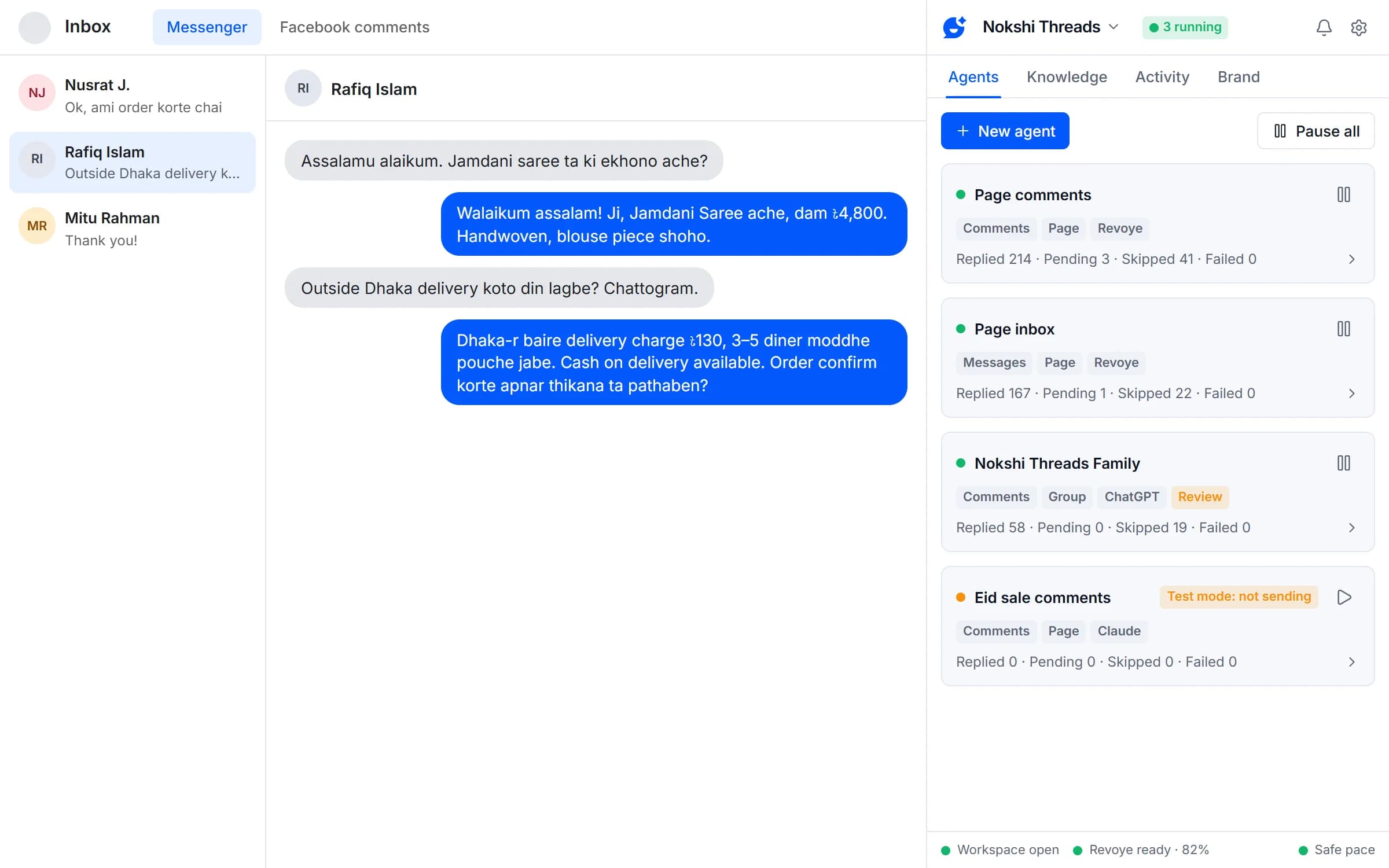
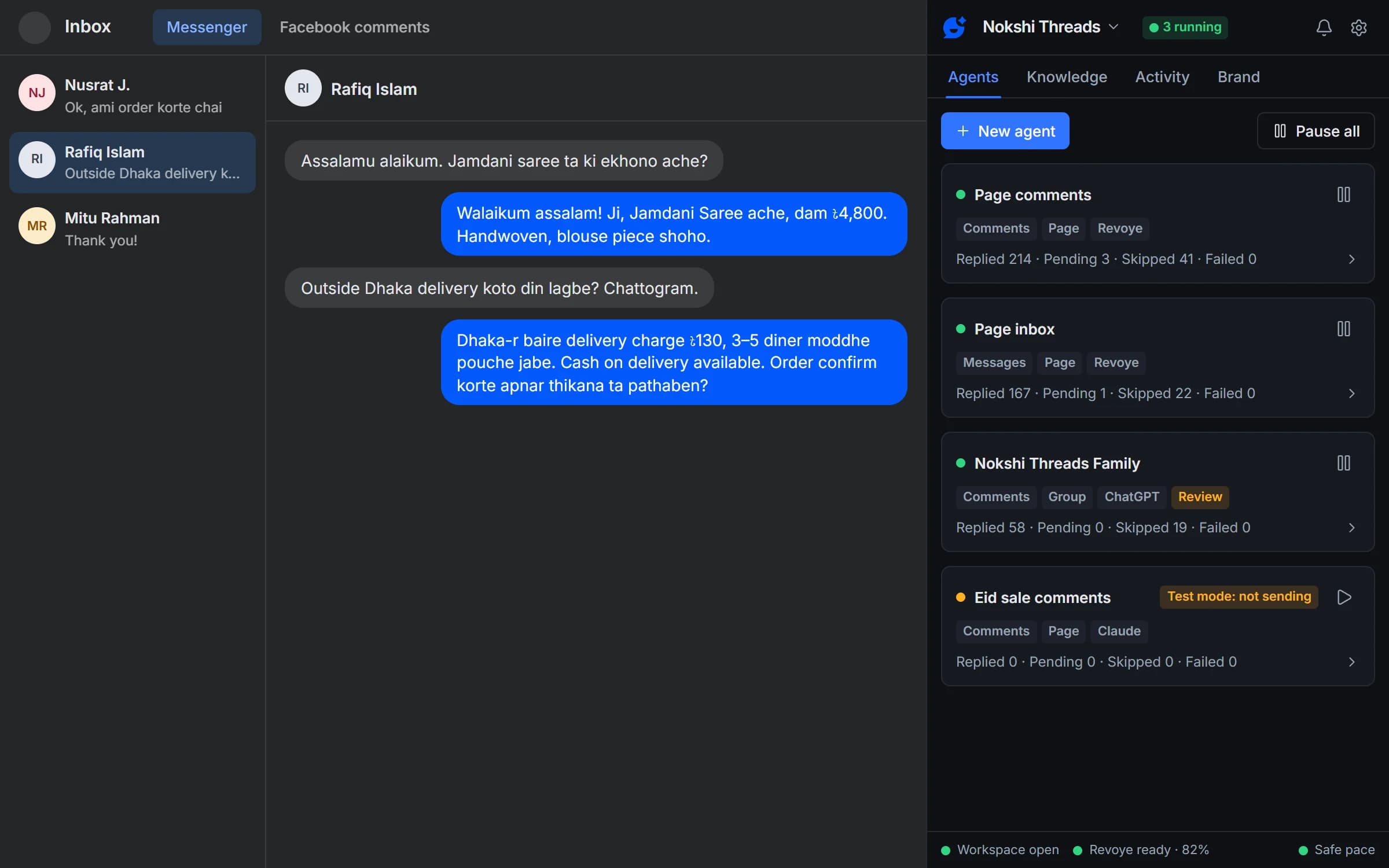
The agent opens your Page’s Meta Business Suite inbox in its own workspace window, reads new Messenger conversations and replies in the thread, as your Page. Open your inbox and click “Use current tab” to set it up.
- Works on the Business Suite inbox for your Page
- Replies in the customer’s language: Bangla, English or Banglish
- Your own tabs are never touched
Grounded answers
Real answers, not “we’ll get back to you”
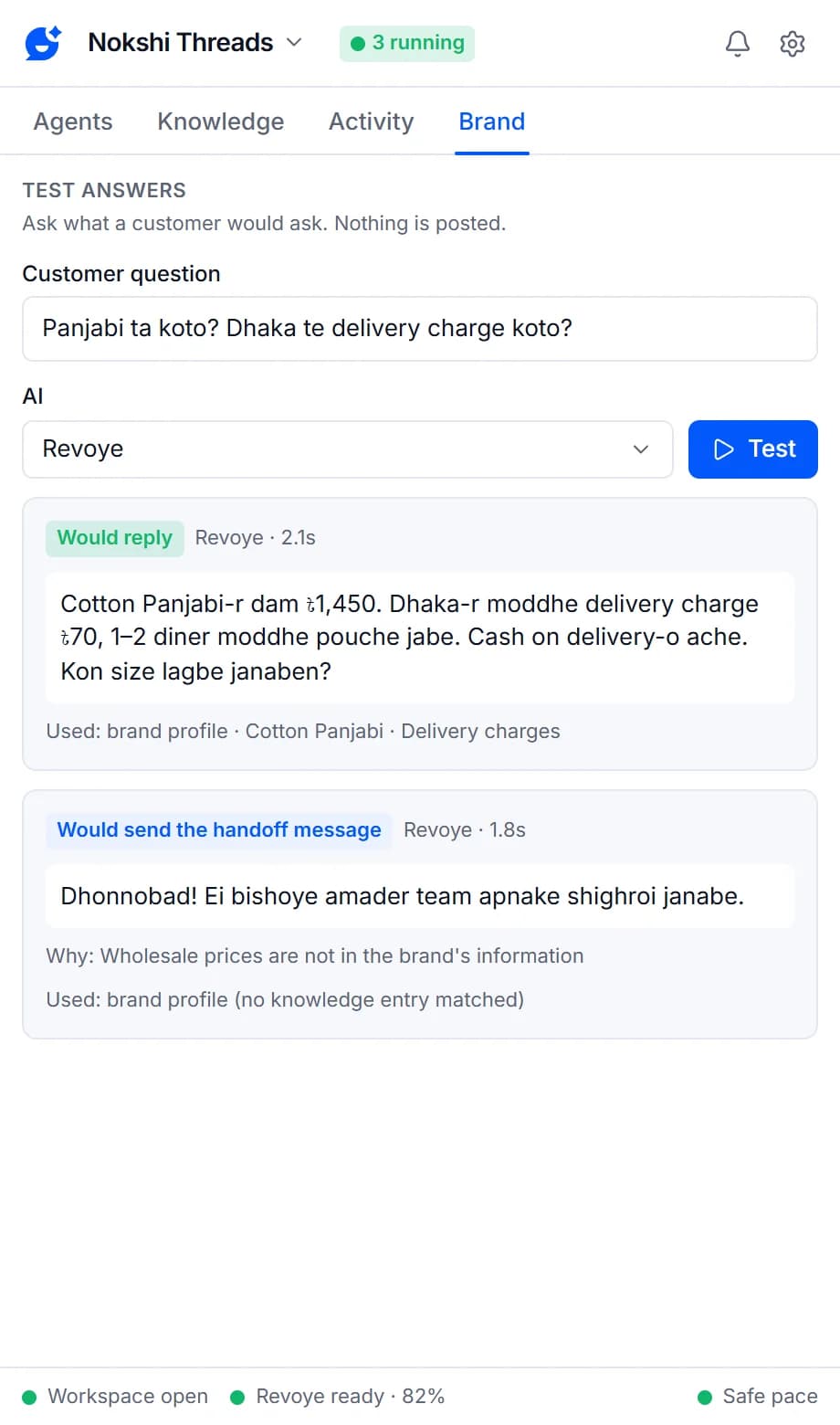
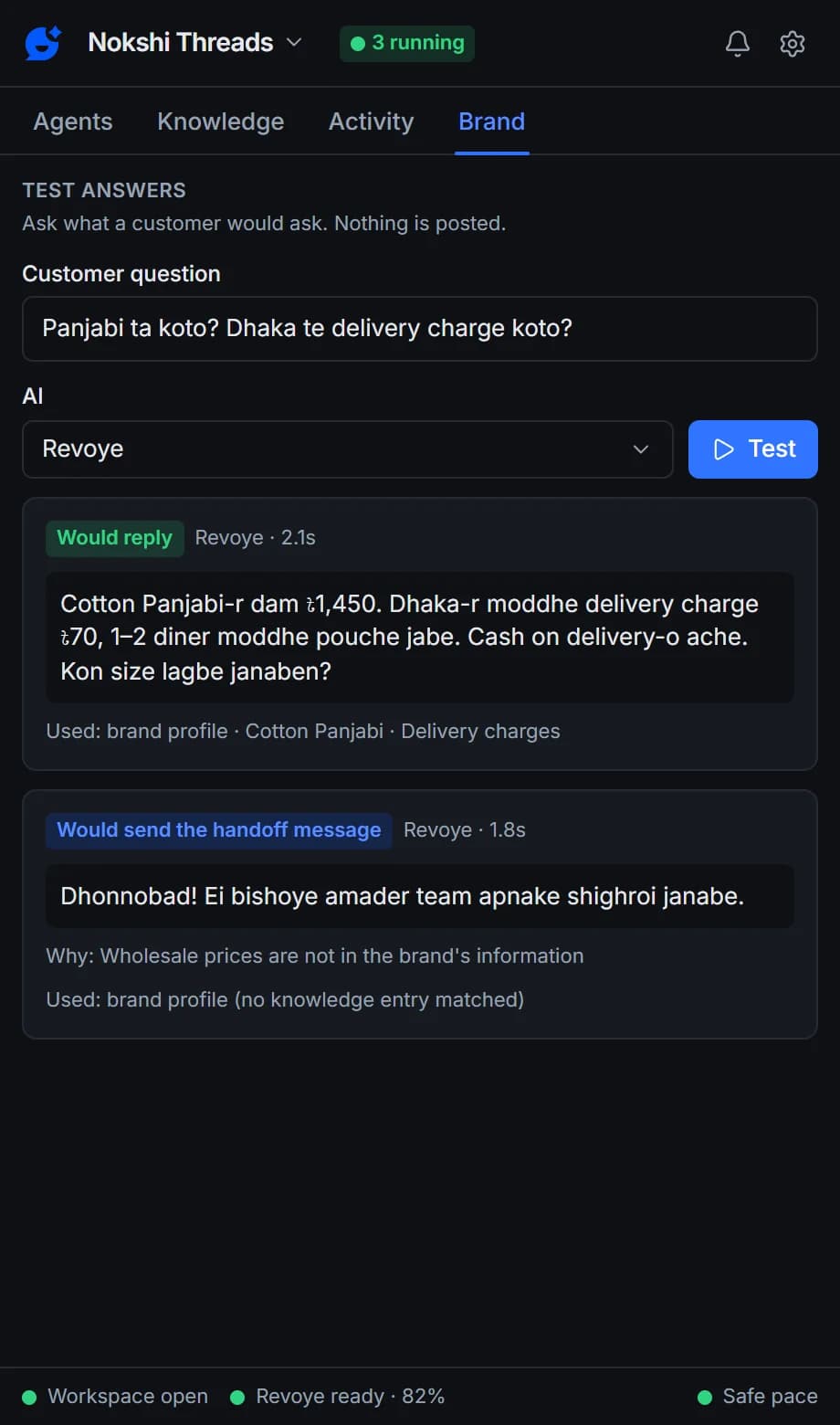
Replies come from your brand’s profile and knowledge, so customers get the actual price, delivery charge or opening time. When the answer isn’t there, the agent sends the brand’s holding message, asks you to review, or leaves it — your choice.
- Prices and links must match your information
- Questions only, or every message
- At most 3 replies per person a day by default
Review
Hand over the easy ones, keep the tricky ones
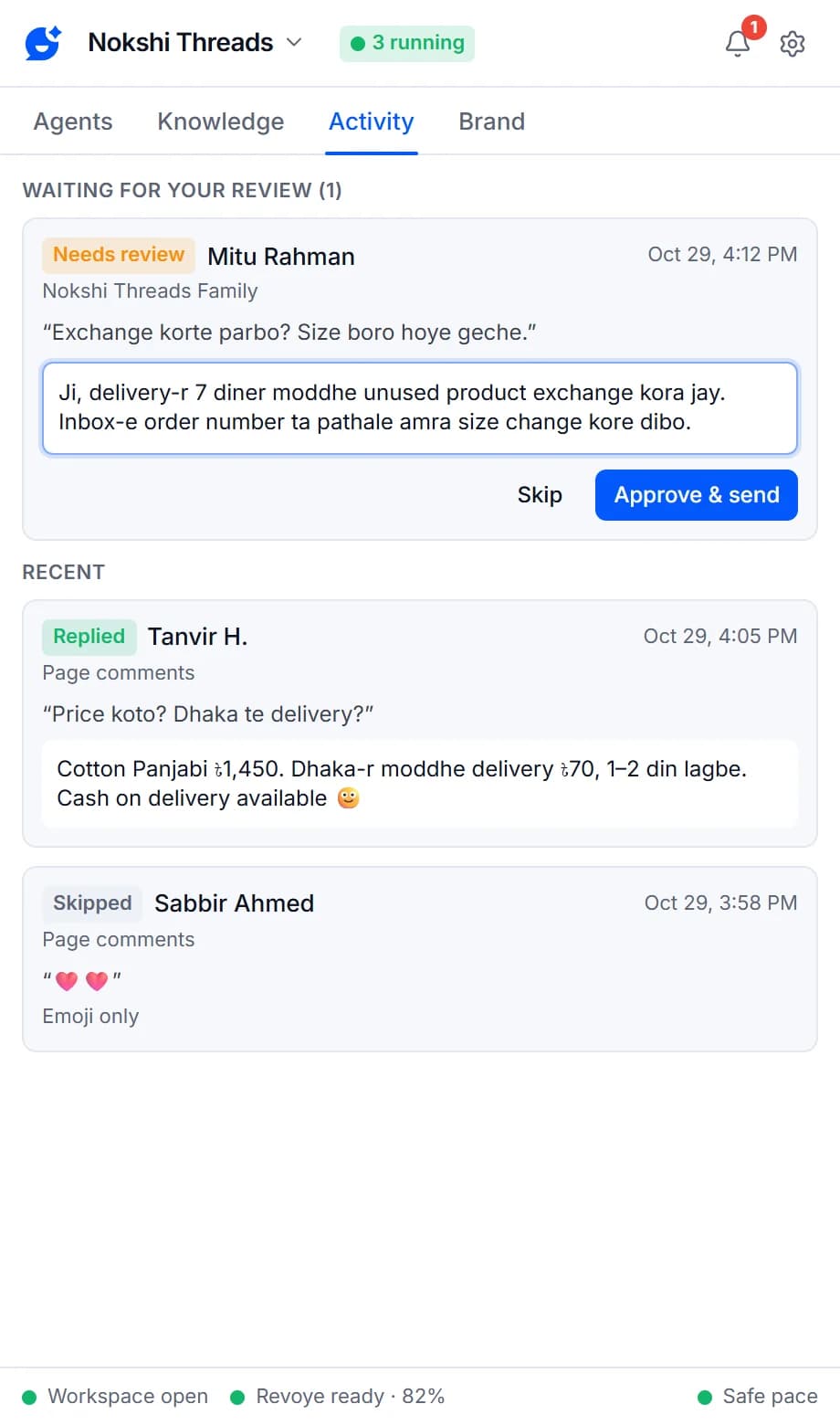
Run the agent fully automatic, or make every reply wait for you. Words like “refund” or “complaint” can always be left for a person.
- Test mode first, then live
- “I approve each reply” mode
- Skip words you choose
What your inbox agent can do
Page messages
Answers Messenger conversations in your Meta Business Suite inbox.
Use current tab
Open the Page, Group or profile and the wizard fills in the target for you.
No invented prices or links
A reply that mentions a price, number or link that isn't in your information is never posted automatically.
When the answer isn't there
Send the brand's holding message, ask you to review, or don't reply. You choose per agent.
Reply filters
Reply to every message or questions only, and skip anything containing words you list.
Bangla, English and Banglish
Each brand matches the customer's language, or always replies in English or Bangla.
Per-person cap
No more than 3 replies to the same person a day by default.
Review mode
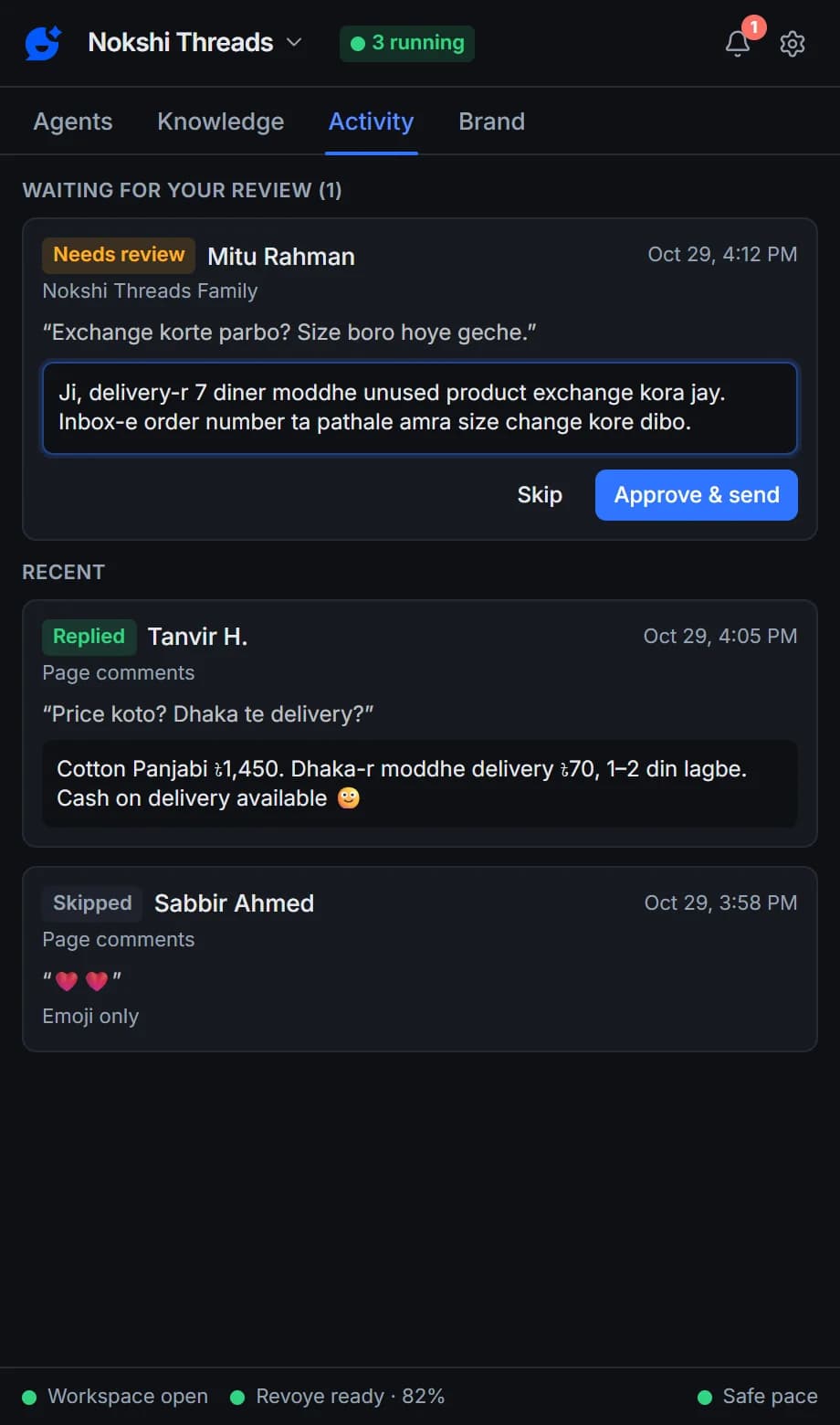
Choose "I approve each reply": edit the draft, then Approve & send or Skip.
Working hours
Only reply during the hours and days you set, overnight ranges included.
AI agents in your inbox
Your inbox, answered from your own facts
Every reply goes through the same pipeline: skip what needs no answer, find your information, write, check, post at a human pace, record.
- Answers from your brand’s information
- Blocks invented prices and links
- Pauses everything on any Facebook warning
Page messages are on every plan, including Free. Pro adds more agents and replies, Groups, your personal profile and data connectors.
Compare plansFrequently asked questions
Something else? See the docs or get support.
Do I need Meta Business Suite?
Yes. Page messages are answered in your Page’s Business Suite inbox, so you need to manage the Page there. The agent needs the Page’s asset ID, which “Use current tab” fills in for you.
Does it reply as my Page?
Yes. It replies in the conversation in the Business Suite inbox, the same way you would.
What happens when the answer isn't in my info?
The agent doesn't guess. You choose what it does for each agent: send a short holding message ("Thanks for your message! Our team will get back to you shortly."), ask you to review the reply first, or not reply at all. A reply that mentions a price, number or link that isn't in your information is never posted automatically.
Can it reply in Bangla or Banglish?
Yes. By default an agent matches the customer: Bangla, English or Banglish. You can also tell an agent to always reply in English or always in Bangla. Facebook itself needs to be set to English for Replyzoo to find its way around the page.
Can Facebook restrict my account for using Replyzoo?
It can happen. Replyzoo works through Facebook's normal web pages in your own Chrome, and Facebook's terms restrict automated activity, so any automation carries some risk. Replyzoo is built to keep that risk low: one action at a time, a random 45–120 second gap between replies, hourly and daily limits, working hours, and an automatic pause on every agent the moment Facebook shows a checkpoint or warning. It reduces the risk; it can't remove it. You use it at your own risk.
What's included in the Free plan?
The Free plan runs one agent on your Page inbox or Page comments, with a monthly reply allowance and a starter number of knowledge entries. Pro adds more agents and replies, Groups, your personal profile and Messenger, data connectors and a second browser. See the pricing page for current limits and prices.
Answer your inbox while you work
Start free on your Page inbox and read the test-mode replies first.
Chrome on a desktop computer. Agents reply while Chrome is open.