
Careful by default, in your control
New agents start in test mode. Replies go out one at a time at a human pace, within hourly, daily and per-person limits. The moment Facebook shows a warning, every agent pauses until you say so.
Works through Facebook's normal web pages in your Chrome. Automation can lead Facebook to limit accounts; Replyzoo's safety limits reduce that risk but can't remove it. How Replyzoo stays careful
The honest answer
Is Facebook auto reply safe?
Replyzoo works through Facebook’s normal web pages in your own Chrome, signed in as you. Facebook’s terms restrict automated activity, so any tool that posts for you carries some risk of Facebook limiting an account, a Page or a feature. That is true however slowly it posts, and we won’t pretend otherwise.
What Replyzoo does is keep its behaviour close to a careful person’s: one action at a time, natural gaps, sensible daily volumes, no replies to people who were already answered, and an immediate stop when Facebook pushes back. It reduces the risk; it can’t remove it. If you want zero risk, answer by hand or use Meta’s own inbox automations.
Test mode and review
Read every reply before it’s real
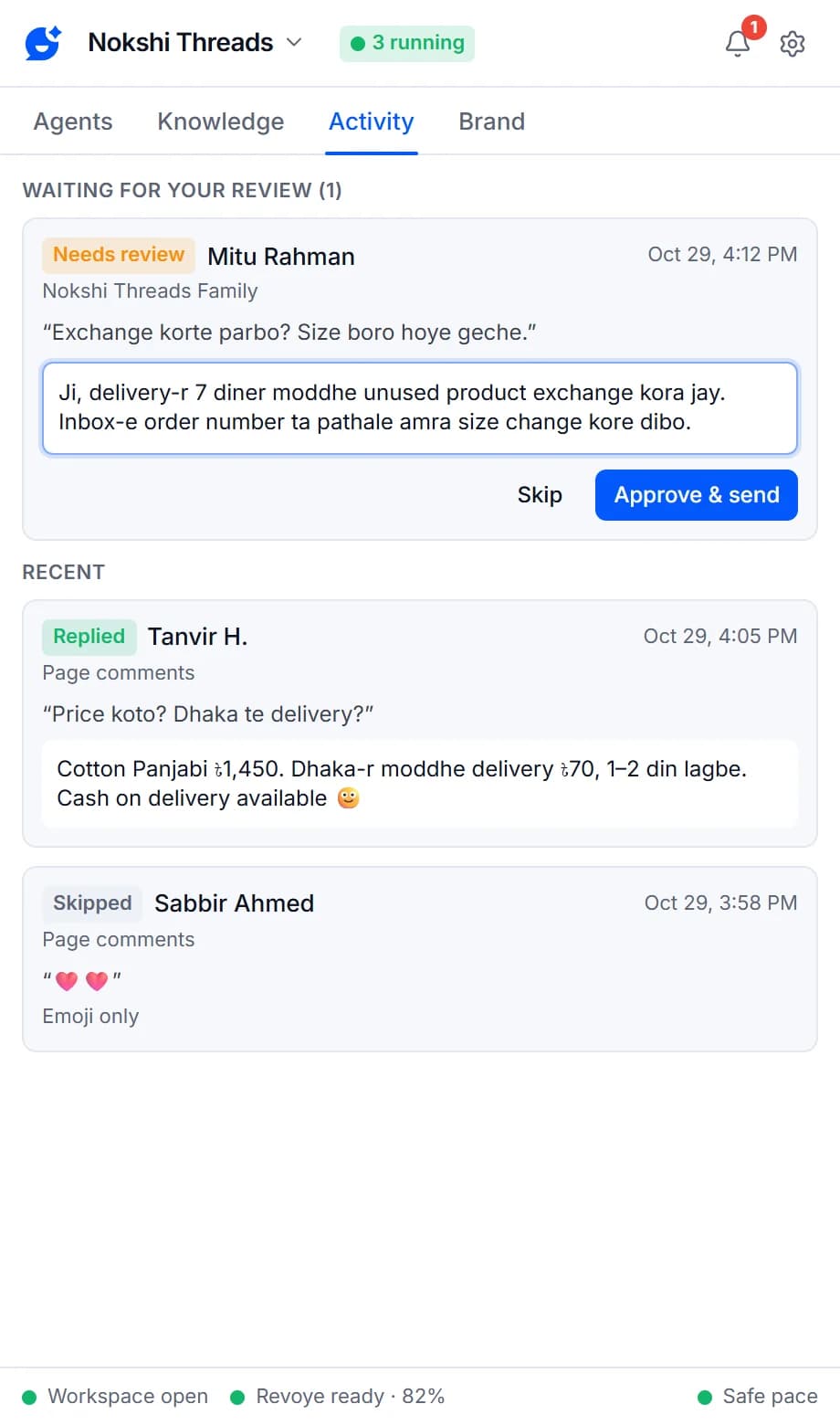
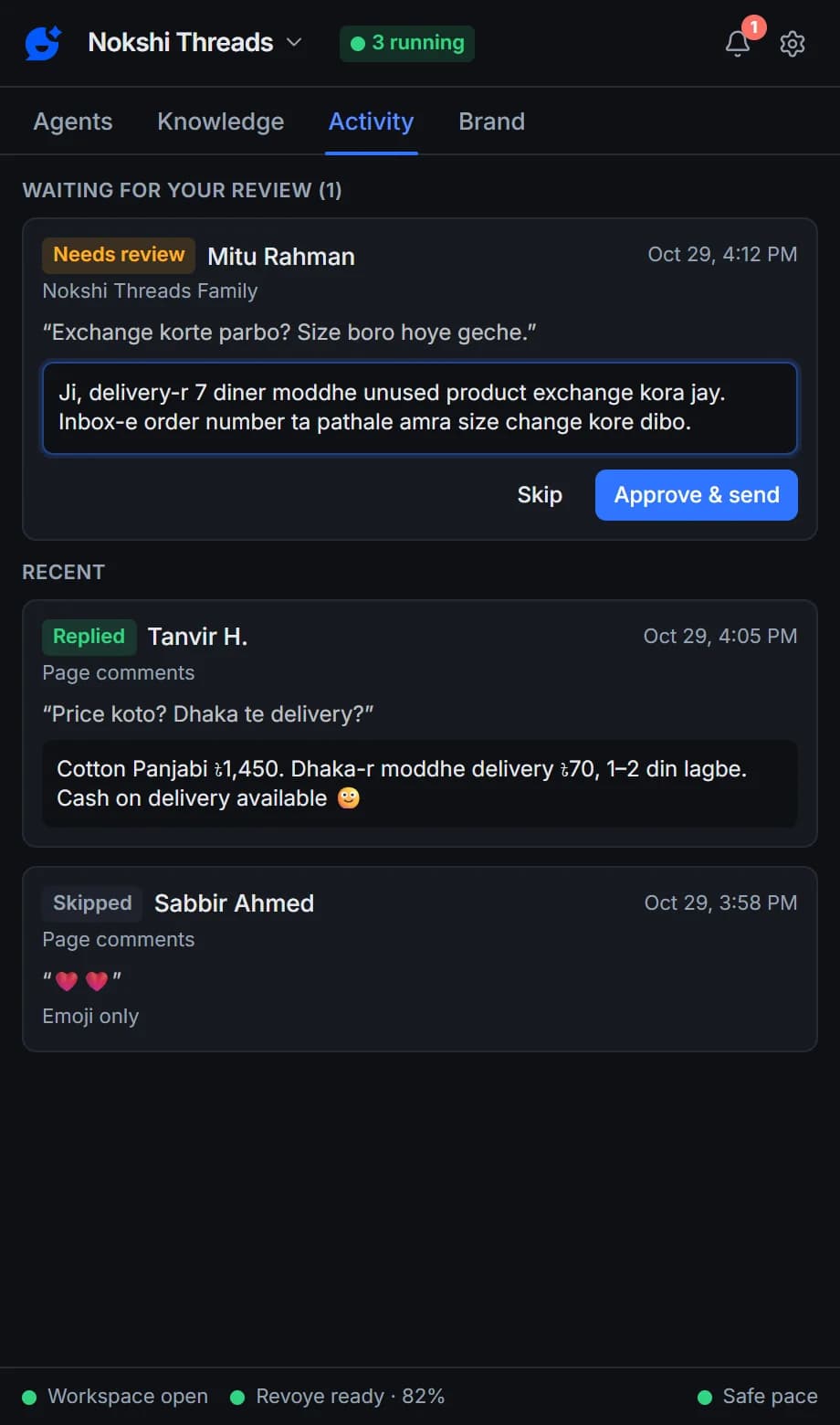
Every new agent starts in test mode: it writes replies into Activity but never posts them. When they sound right, press Go live. For anything sensitive, choose “I approve each reply” — each draft waits for you to edit it, then Approve & send or Skip.
- Test mode is on for every new agent
- Edit the draft before you approve it
- Optional desktop notification when a reply needs review
Human pace and limits
Paced like a person, capped like a careful one
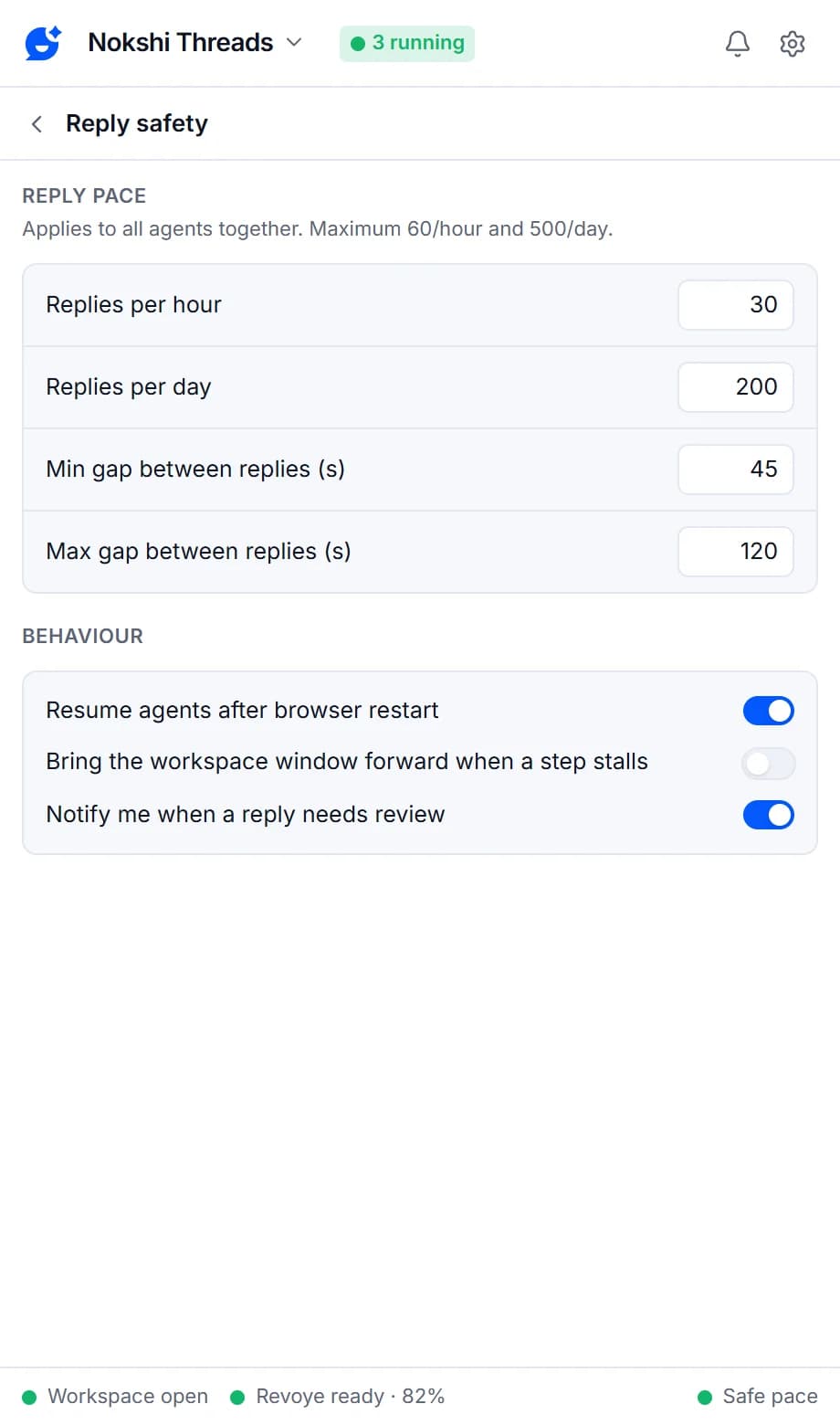
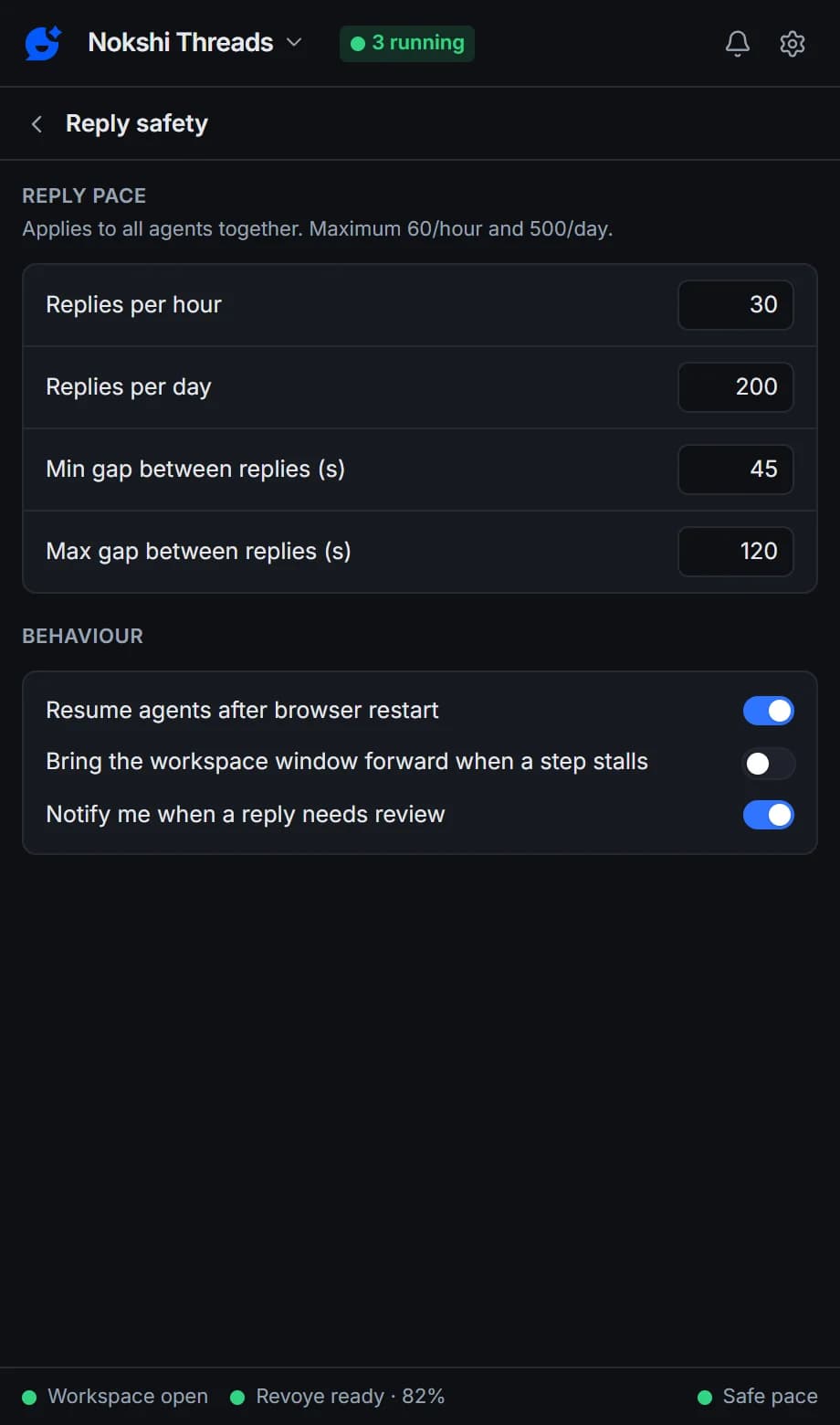
Replies are typed in human-sized chunks with a random 45–120 second gap between them. By default no more than 30 replies an hour and 200 a day go out across all agents — and never more than 60 and 500, whatever you set. Each agent has its own limits, and each person gets at most 3 replies a day.
- One Facebook action at a time, across all agents
- Working hours, overnight ranges included
- Only actual sends count toward the limits
Automatic stops
When anything looks wrong, it stops
Paused for safety
A checkpoint, login wall, CAPTCHA or “temporarily blocked” message pauses every agent and sends a desktop notification. Only you can lift the pause.
Pause all
One button on the Agents tab, or Alt+Shift+P anywhere in Chrome, stops every agent at once.
No blind re-sends
If a send is interrupted, the agent checks the page before trying again, so nobody gets the same reply twice.
Skip if someone already replied
Threads you or your team already answered are left alone.
Ignore my own Pages and profile
Your agents never answer each other.
Never reply to certain words
List words like “refund” or “complaint” and those messages are always left for you.
Every safety control
Test mode
New agents write replies but never post them until you go live.
Review mode
Choose "I approve each reply": edit the draft, then Approve & send or Skip.
Human pace
One Facebook action at a time, typed in human-sized chunks, with a random 45–120 second gap between replies.
Hourly and daily limits
30 replies an hour and 200 a day by default, never more than 60 and 500, plus limits per agent.
Per-person cap
No more than 3 replies to the same person a day by default.
Working hours
Only reply during the hours and days you set, overnight ranges included.
Paused for safety
Any Facebook checkpoint, login wall or warning pauses every agent until you resume.
Pause all
One button, or Alt+Shift+P, stops every agent at once.
No blind re-sends
If a send is interrupted, the agent checks the page before trying again.
Every safety control — test mode, review mode, pacing, limits and the automatic stop — is on every plan.
Compare plansFrequently asked questions
Something else? See the docs or get support.
Can Facebook restrict my account for using Replyzoo?
It can happen. Replyzoo works through Facebook's normal web pages in your own Chrome, and Facebook's terms restrict automated activity, so any automation carries some risk. Replyzoo is built to keep that risk low: one action at a time, a random 45–120 second gap between replies, hourly and daily limits, working hours, and an automatic pause on every agent the moment Facebook shows a checkpoint or warning. It reduces the risk; it can't remove it. You use it at your own risk.
Can I check replies before they go out?
Yes. Every new agent starts in test mode: it writes replies but never posts them, so you can read them in Activity first. You can also set any agent to "I approve each reply", and every draft waits for you to edit it, then Approve & send or Skip.
Can I raise the limits?
You can set the global limits up to 60 replies an hour and 500 a day, and a minimum gap of 20 seconds. Replyzoo won’t go above those caps, even if you import settings that say otherwise.
What happens when agents are paused for safety?
Every agent stops and you get a desktop notification explaining why. Check Facebook in your browser, sort out whatever it asked for, then press Lift pause in the side panel.
Will it reply twice to the same message or person?
No. Every message and comment is recorded, so it never gets a second reply, even if you delete and recreate an agent. Each person also gets at most 3 replies a day by default, and agents skip threads someone already answered.
Is Replyzoo made by Meta or approved by Facebook?
No. Replyzoo is an independent product by Degird. It isn't affiliated with, endorsed by or approved by Meta. Facebook and Messenger are trademarks of Meta Platforms, Inc.
Start in test mode. Go live when you’re sure.
Read what your agent would say to real customers before it says anything.
Chrome on a desktop computer. Agents reply while Chrome is open.